Dataton logo
WATCHOUT logo

Version 7

WATCHOUT 7 logo

Key features

  • Any number of displays
  • DP, DVI, HDMI IN/OUT and NDI IN/OUT
  • SDI SMPTE ST2110 IN/OUT*
  • Spout capture
  • 70.778.880px per server
  • Up to 16bit color depth
  • Various colour spaces
  • Dante® enabled (OUT)
  • LED pixel mapping
  • 3D projection mapping
  • Geometry warping
  • Optional: camera calibration
  • Dynamic media assets
  • External control through various protocols
  • Artnet IN/OUT
  • PosiStageNet tracking

* when using Deltacast cards


Areas of application

  • Live events of all sizes
  • TV studios
  • Theater productions
  • Museums
  • Theme parks
  • Showrooms
  • Premium outlets
  • Cruise ship industry
  • Places of worship
  • Fairs and exhibitions

WATCHOUT 7 - the New Media Server Software


Since 2023, the media server software WATCHOUT has been placed on a completely new foundation with version 7. 


In its look and feel, it is reminiscent of the very successful earlier versions of WATCHOUT, which have won countless awards and were standard in the field of media servers.


The most important development criteria for the new WATCHOUT 7 software were:


  • Support for modern industry standards
  • Fast and intuitive work
  • Easy collaboration in teams
  • Playback performance predictability
  • High-quality output
  • Extremely stable playback


This goal was achieved with a new video render engine with 16bit color depth and different color profiles, a new audio bus and a new audio render engine with Dante® support, a new asset manager for collaborative work in a team, improved cue management and much more.


As a long-standing Dataton Premium Partner (DACH), we are pleased to be able to provide you with a modern production tool with this new software that will take your productions to a new level.


We support you in this by…

  • Distribution and sales
  • Extensive pre- and after-sale support
  • Certified Dataton Academy training
  • Rental options 
  • International production support (operator)
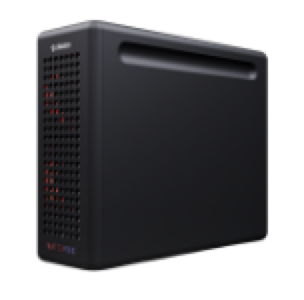
WATCHPAX 30
WATCHPAX 30
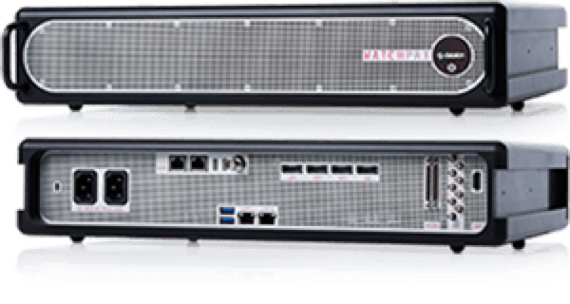
WATCHPAX 62
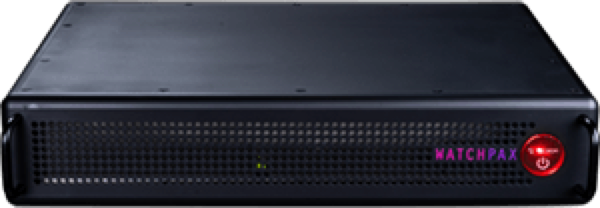
WATCHPAX 64

WATCHPAX Server


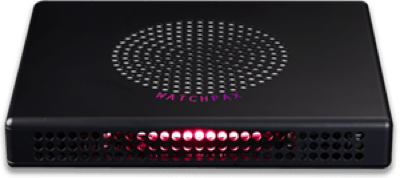
For optimal performance and playback quality, Dataton offers various ready-to-use media servers.


WATCHPAX 30 

  • Super compact player for up to 4x WUXGA or 1x 4K output. It is best suited for digital signage applications or small museum projects.


WATCHPAX 50

  • Very compact and powerful media server with EDID management for up to 4x 4K. The device has two network ports and an HDMI 2.0 capture card and is suitable for fixed installations and smaller events.


WATCHPAX 62 A, B, C

  • Powerful media servers that differ in their equipment with capture cards and sync boards and are the ideal basis for fixed installations and events.


WATCHPAX 64

  • Even more powerful media server that can be equipped modularly. You decide whether the server should use capture cards or bidirectional cards with SDI or SMPTE ST2110 ports, and whether a sync board is required to synchronize between multiple servers and a genlock signal.


All WATCHPAX can be reset very easily after each use and come with a built-in WATCHOUT 7 license.


Do you need different configurations for your project? This is where we can help you with our screen.ip custom servers, which are also optimized for WATCHOUT.

Further information and downloads on WATCHOUT and WATCHPAX:

Frequently asked questions about WATCHOUT and WATCHPAX:

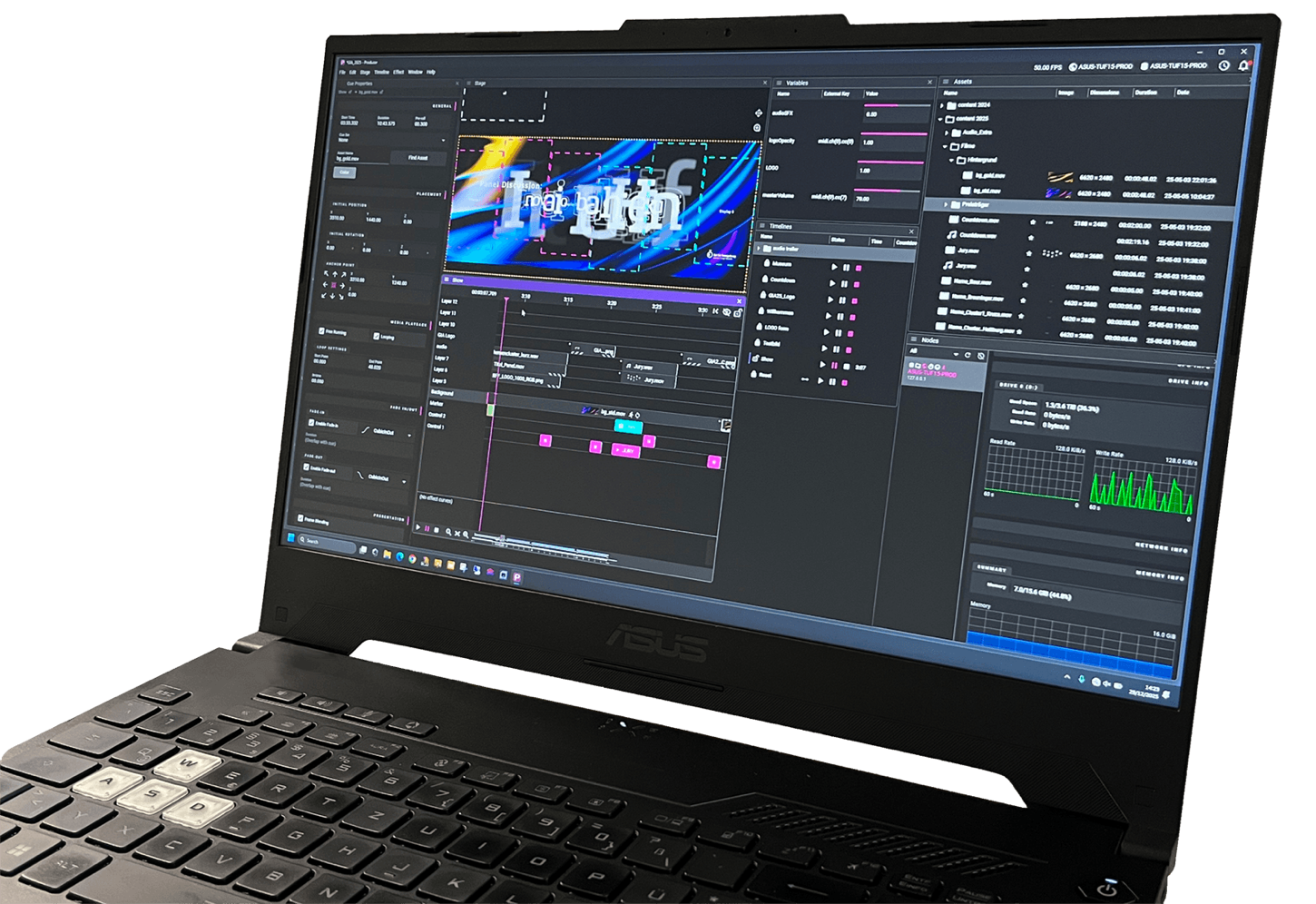
The design of WATCHOUT 7 is much more modern, but is deliberately intended to remind you of the familiar interface of the earlier WATCHOUT versions in order to simplify the transition for users of the older versions. 


In fact, WATCHOUT 7 is not an update of the earlier versions, but a completely reprogrammed and modularized 64bit software with stable and even more efficient workflows.

WATCHOUT 7 is more intuitive to use than many other solutions on the market. It dispenses with deeply nested menu structures and offers a new, context-driven property window for all settings. 


However, to get started faster and make good use of the many new features, we recommend taking a training course at the Dataton Academy.

You can download the software for free from the manufacturer's website and open or program a show as long as you use royalty-free media files. Royalty-free media files are e.g. videos in one of the various HAP codecs, image files or audio files in WAV format. 


However, to play the show or use other media files, you need a license dongle on each computer involved, which is either running the Asset Manager or rendering content for output.

WATCHOUT 7 has a modular structure and consists of different components (nodes) that work together in the background. The most important components are the Director (manages the whole show), the Producer (of the production interface), the Asset Manager (manages and optimizes media and other files), and the Runner(s) (the rendering engines for videos, images, and audio content). 


These components can all run on one computer, e.g. for small productions with only a few displays, or be distributed on different computers. 


For a larger show, one computer will be used as a "production computer" with the nodes Producer, Asset Manager and Director while one or more separate playback servers will render the content for the output displays.

In principle, yes. 

However, the user should have a good knowledge of the operating system and be able to optimize the system environment. Only after carefully tuning the hardware, device drivers and operating system will your server be really stable and reliable. 


This does not only apply to WATCHOUT. 


No one wants to see sudden system messages about available updates or a jerky playback of the content. If you want to save yourself this optimization work and use a really stable and powerful system, you should take a look at the Dataton WATCHPAX servers. These are optimized by the manufacturer for WATCHOUT and professional use.

To use WATCHOUT 7, you need Windows 10 or later, the Vulkan 1.3 or higher graphics card API, and the AVX instruction set of the CPU. 


We also recommend a fast, heat-stable and sufficiently large SSD for WATCHOUT and its media files, a fast multi-core CPU and a professional and fast Nvidea (Quadro) graphics card.

Since WATCHOUT 7, there are no longer any restrictions on the number of outputs. Rather, the limitation is the maximum number of pixels that can be rendered per server. That's currently 70,778,880 pixels, which corresponds to 8x 4K, i.e. about 30x FHD. 


During the calculation, all activated outputs of a server are added together. This includes the outputs of the graphics cards, the outputs of all existing Deltacast SDI or SMPTE 2110 cards, and all NDI outputs to the network. 


WATCHOUT 7 also allows the use of multiple graphics cards on one server.

In contrast to previous versions, WATCHOUT 7 now supports displays with up to 16bit color depth and different color spaces, such as sRGB, REC 709, REC 2020 and REC 2100. 


Internally, WATCHOUT 7 renders all media and effects with up to 16bit color depth in the REC 2020 color space.

WATCHOUT 7 has a new internal audio bus and supports audio output via WASAPI, ASIO and Dante. 


Provided that the appropriate drivers are used, WATCHOUT 7 can work with most sound cards. To use Dante, the required outputs must be licensed from the manufacturer Audinate. WATCHOUT 7 is "Dante enabled".

For a complete list of supported media formats, see Chapter 5.4 of the Online Manual for WATCHOUT 7 which you can find in the HELP CENTER at www.dataton.com. 


In addition to many image and audio formats, these include video codecs, such as H.264 (AVC), H.265 (HEVC), MPEG, ProRes, image chains, NotchLC and all HAP formats. 


Some codecs will get optimized internally by the asset manager to ensure optimal playback performance and stability.

The new Asset Manager provides media files and other information, such as EDID, MPCDI, 3D, text, and font files, within a WATCHOUT network. This is done globally and not on a project-based basis. 


It analyzes all media files during import, creates a minimized version for display in the Stage window, and optimizes and encrypts the file for smooth and predictable playback. 


If media files other than HAP videos, image files, or WAV audio files are used, a WATCHOUT license dongle is required.

WATCHOUT 7 supports capture cards (video only!) that support the MediaFoundation standard and Deltacast capture cards with SDI, HDMI 2.1 or ST2110 inputs. 


User-tested capture cards include those from Datapath or Magewell. In addition, signals can be fed via NDI (with audio). Since version 7.7, Spout capture with up to 32bit float RGBA is also supported. 


Blackmagic Design capture cards are not currently supported.

WATCHOUT 7 can output DMX (up to 32bit) via Art-Net and use it to control lighting. Video DMX is currently not supported, but can be generated via corresponding converters via a graphics card output. 


For easier assignment of DMX channels, description files can be read in GDTF format. WATCHOUT 7 has an Art-Net recorder for recording more complex light shows.

All WATCHOUT 7 timelines can be controlled via (also different) LTC timecodes. 


External devices can be controlled via LTC timecode if appropriate audio tracks are used. These can be created very easily on different web portals.

No. However, WATCHOUT 7 can control external devices via TCP/IP or UDP strings and HTTP requests. In addition, WATCHOUT 7 can also output DMX signals via Art-Net.

The new variables in WATCHOUT 7 can be controlled via different signals. This can be used to trigger timelines but also to dynamically change internal effects, cue sets, etc. 


The protocols that WATCHOUT 7 supports include: 


- TCP/IP or UDP strings with the old WATCHOUT 6 API 

- the new WEB API (REST) protocol for WATCHOUT 7 

- OSC 

- MIDI and MSC 

- DMX (via Art-Net) 

- PSN (PosiStageNet - Tracking)

WATCHOUT has been used for overlapping projections (soft-edge) and facade projections since its first release in 2000 and offers an optimized interface for manual geometry adjustment in the new software WATCHOUT 7. 


For optimal results or very complex projections, WATCHOUT 7 can also take measurement data from camera calibration systems, such as VIOSO or the domeprojection.com Suite, in MPCDI format. Such systems are mainly used for projections in domes, spherical surfaces or for 360° projections.

Very simple, in fact. For this purpose, a 3D file in 3DS, OBJ, GLTF or GLB format with UV mesh coordinates is dragged into the stage window and a "3D projector" is defined as the display. Then align 6 virtual points in the preview to 6 matching reality points on the object. This works very quickly and with high precision.

Arrow Up

mediaservice rainer beddig

Altonaer Str. 84-90

13581 Berlin (Deutschland)


info (at) mediaservice-beddig.de


+49 30 34 70 53 03

mediaservice rainer beddig logo

Copyright 2025, mediaservice rainer beddig - All rights reserved